


Mia Reesking – The Editing Studio
-
 Last Updated: 05-24-2026
-
 Duration: 3.81 hour(s), 37 video(s)
-
 Size: 5.7 GB
$29
Buy More, Save More!
2 Courses
10% OFF
3 Courses
15% OFF
5 Courses
30% OFF
Why Choose TSCourses?
-
 Learn online or download via Google Drive
-
 All course files are included
-
 Free course updates via email
-
 Seen it cheaper? We'll beat the price
Course Description
Clean, polished short-form video is no longer a bonus skill. It is the standard for creators, marketers, and online business owners who want attention that lasts. Mia Reesking – The Editing Studio is built to make video editing feel simple, practical, and creative instead of technical and overwhelming. This course is a self-paced editing masterclass designed for people who want crisp, engaging content without getting lost in confusing software tutorials or heavy industry jargon. At TSCourses, this makes the course especially valuable for learners who want premium creator education at a low price, with instant access and fast support.
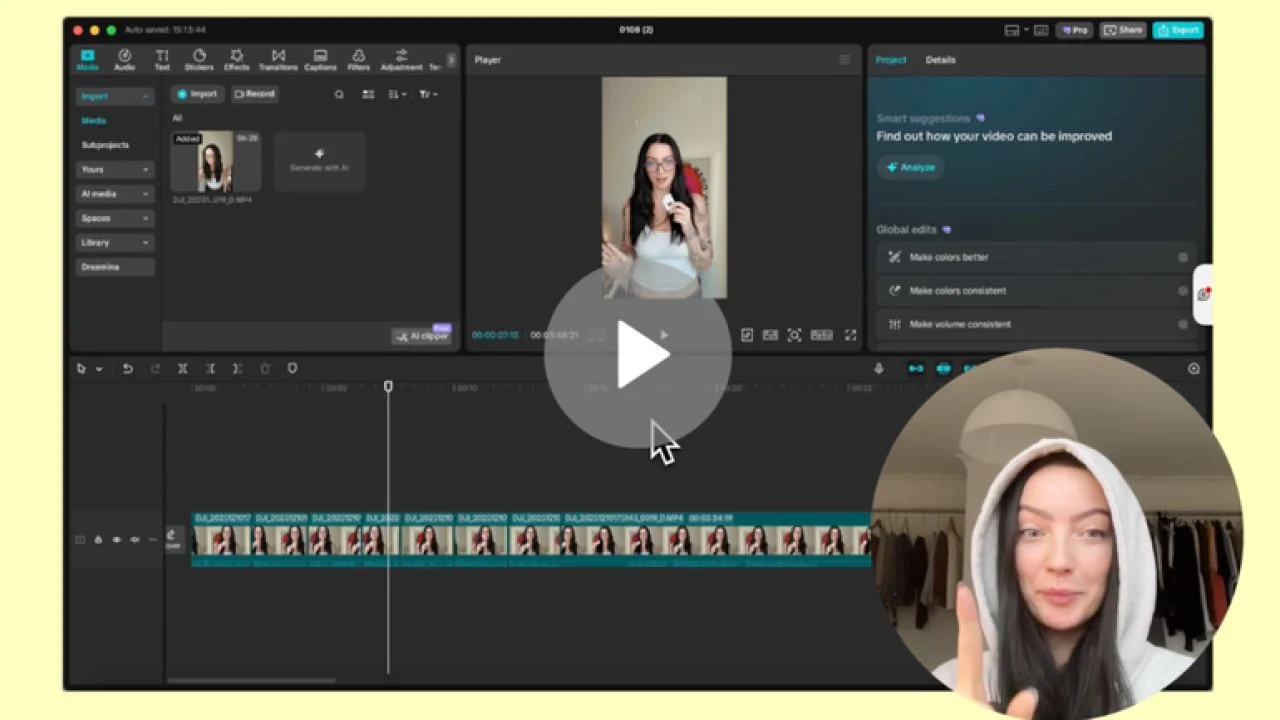
Based on the available course information, The Editing Studio focuses on teaching Mia Reesking’s exact editing workflow developed through years of hands-on video editing. The training includes 23 mini lessons and centers on real-world content creation for social platforms. The lessons cover pre-filming essentials, editing foundations, platform-ready export settings, advanced effects, and troubleshooting. The course strongly emphasizes CapCut-based editing and teaches techniques that help creators improve visual quality, create stronger engagement, and build a more recognizable content style across platforms.
What Benefits You’ll Gain
Mia Reesking – The Editing Studio helps learners turn messy raw footage into clean, branded, scroll-stopping content. One of the biggest benefits is clarity. Instead of learning random tips from scattered free tutorials, students get one structured process they can follow from start to finish. That saves time, reduces frustration, and makes editing more repeatable.
You will also gain a practical visual editing system. The course covers rough cuts, overlays, text, auto-captions, sound effects, layering, stop motion, masking, keyframes, color correction, and sound design. These are not just flashy tools. They are the building blocks behind modern short-form content that performs well on TikTok, Instagram Reels, and similar platforms.
Another strong benefit is confidence with editing software. Many beginners feel blocked by interfaces, timelines, and export settings. This course is designed to remove that fear by breaking down the CapCut interface and showing exactly what matters. That means faster learning for beginners and smoother workflows for regular users who still feel overwhelmed.
For marketers and business owners, the value goes beyond editing. Better content often leads to stronger brand perception, higher watch time, and better conversion potential. For freelancers and creators, stronger editing skills can improve client delivery, help grow personal channels, and support monetization efforts. In short, this course helps learners save time, improve content quality, and create videos that feel more professional with less confusion.
What Insite This Course
The Editing Studio is organized as a self-paced video editing masterclass with focused lessons that are easy to follow. The course content moves from preparation and setup into editing execution and then into more advanced creative polish. This structure makes it easier for students to build skills in the right order.
Here is an overview of the course modules included:
- 00 – the studio.pdf
- 01 – welcome
- 02 – the fresh clean canvas
- 03 – pre-editing essentials
- 04 – the breakdown
- 05 – needs to knows
- 06 – updated lessons yay
The course begins with a welcome and foundational orientation, helping students understand the overall editing philosophy and workflow. From there, The Fresh Clean Canvas likely focuses on setting up the editing environment and approaching content with a clean, intentional structure. This is important because good editing starts before effects and transitions. It starts with organization and visual direction.
Pre-Editing Essentials appears to cover the steps that happen before the actual timeline work begins. This includes preparing footage, understanding what makes footage easier to edit, and improving content quality before post-production. For creators, this section can be a major time saver because better source material means less fixing later.
The Breakdown is one of the most valuable parts of the course. This is where students likely dive into the editing mechanics in detail, including rough cuts, overlays, timing, text, captions, and sound work. The Needs to Knows section likely addresses technical settings, export recommendations, common problems, and platform specifications. Updated Lessons Yay suggests continued improvement or additional insights, which adds more value for students who want relevant techniques rather than outdated methods.
Overall, the curriculum covers both the creative and technical sides of editing. It does not just show how to use tools. It teaches how to use them to make better content.
Why This Course Is Different
Many editing courses are either too basic or too technical. Mia Reesking – The Editing Studio sits in a very useful middle ground. It is made for creatives who want high-quality results but do not want to study editing like a film school subject. That makes the course practical, modern, and much easier to apply right away.
Another key difference is the focus on current creator-style content. This is not just general video editing theory. It is centered on the kind of edits people actually use on social media today. That includes overlays, animation-style details, auto-captions, layered visuals, platform formatting, and polished sound choices. These techniques are highly relevant for content creators, personal brands, online educators, and digital marketers.
The course also stands out because it is based on Mia’s real workflow and techniques that helped both her and her clients grow across platforms. That practical angle matters. Students are learning from a creator process that has been shaped by actual performance needs, client expectations, and platform trends.
At TSCourses, the difference becomes even stronger from a buyer perspective. Instead of paying premium course pricing, learners can access this training at a deeply discounted price of $29. That means less financial risk and faster access to useful skills. For students, marketers, and aspiring freelancers with limited budgets, this is a smart way to get quality education without overspending.
Who This Course Is For
This course is ideal for beginner video editors who want a clear starting point. If editing feels messy, confusing, or too technical, the structure of The Editing Studio makes the learning process easier. It gives beginners a step-by-step path without drowning them in complicated terms.
It is also a strong fit for content creators who already post videos but want better quality and a more polished style. Many creators know how to cut clips together, but still struggle with pacing, overlays, sound, text, and visual consistency. This course helps close that gap.
Social media managers, marketers, and online business owners can also benefit. Better editing often means stronger engagement and more professional brand content. For people selling products, services, or personal expertise online, this skill can directly support growth.
Freelancers and aspiring editors will find useful techniques here as well. The lessons can help improve client work, speed up delivery, and build confidence in creative decisions. Even regular users of editing apps who still feel overwhelmed can use this course to sharpen their process and create stronger final videos.
About Mia Reesking
Mia Reesking is positioned through this course as a creator and editor who has developed a distinct, effective video editing workflow through years of experience. The course introduction highlights that the lessons are based on her exact processes and the techniques that helped both her content and her client work grow across platforms. That gives the course a strong practitioner-led foundation.
Her teaching approach appears to be direct, action-oriented, and creator-friendly. Instead of focusing on theory-heavy instruction, she packages her methods into digestible mini lessons that students can apply immediately. This style is especially useful for visual learners and busy creators who want practical wins fast.
From the course structure and messaging, Mia’s expertise seems centered on clean visual storytelling, editing efficiency, and making content look crisp without overcomplication. That makes her a relevant instructor for modern digital creators who want strong results with accessible tools and workflows.
Frequently Asked Questions
What software does this course focus on?
The course strongly points toward CapCut, including a full interface breakdown and lessons built around creator-friendly editing techniques.
Is this course beginner-friendly?
Yes. It is designed for total beginners, regular users who still feel overwhelmed, and creators who want to improve their editing style.
What skills will I learn?
You will learn pre-filming essentials, rough cuts, overlays, text, captions, sound effects, masking, keyframes, color correction, sound design, platform specs, importing, exporting, and troubleshooting.
Is the course self-paced?
Yes. The Editing Studio is presented as a self-paced masterclass, so you can learn on your own schedule.
Who should buy this course from TSCourses?
Anyone who wants premium creator education at a low price. It is especially useful for creators, marketers, students, freelancers, and business owners who want to make better content while saving money.
Why buy from TSCourses?
TSCourses helps learners access high-value courses at huge discounts. You get cheap pricing, instant access, fast support, quick delivery, and the convenience of studying online with simple access.
Mia Reesking – The Editing Studio is a smart choice for anyone serious about creating better video content without making editing harder than it needs to be. It combines a clean learning structure, modern creator techniques, and practical workflow training that can help beginners and experienced users alike produce stronger content. At just $29 on TSCourses, it offers excellent value for learners who want real editing skills without paying premium course prices.
Get instant access today through TSCourses and start creating sharper, cleaner, more engaging videos with confidence.
More courses you might like
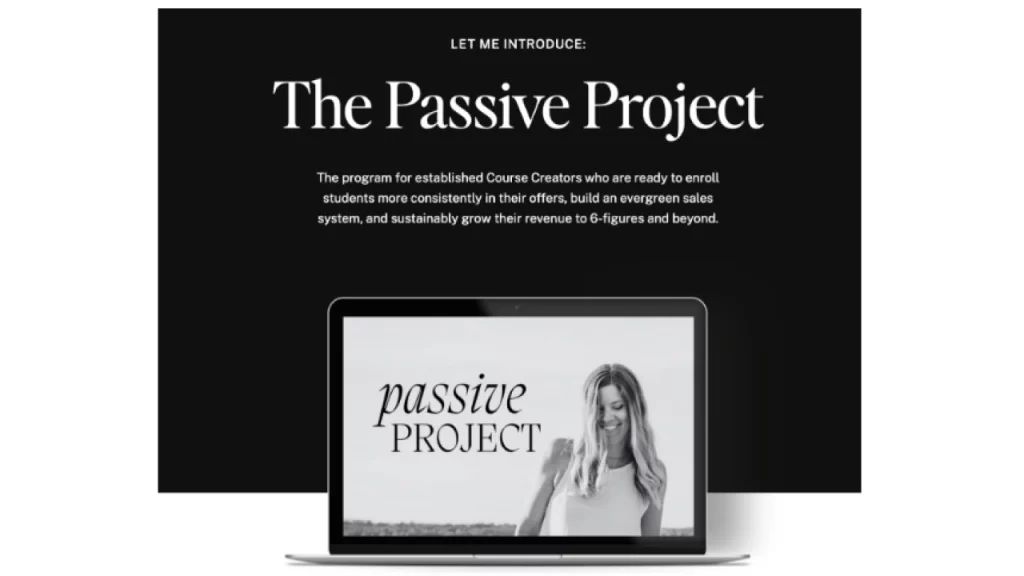
Gemma Bonham-Carter – The Passive Project
Introducing Gemma Bonham-Carter – The Passive Project, a complete program designed for established Course Creators...

Satya Jaganathan – 10 a Day Ads System
(*10*)Unlock the ability of digital promoting with the Satya Jaganathan - 10 a Day Ads...

Jacqueline Snyder – Multi-Stream Machine
Should you've ever dreamed of breaking free from the constraints of a single earnings stream,...

Stephanie Mitchell – The AD Lab
If you run a hair or beauty business and you’re tired of “cute” posts that...